Evernote Review Features, Pricing, Pros & Cons
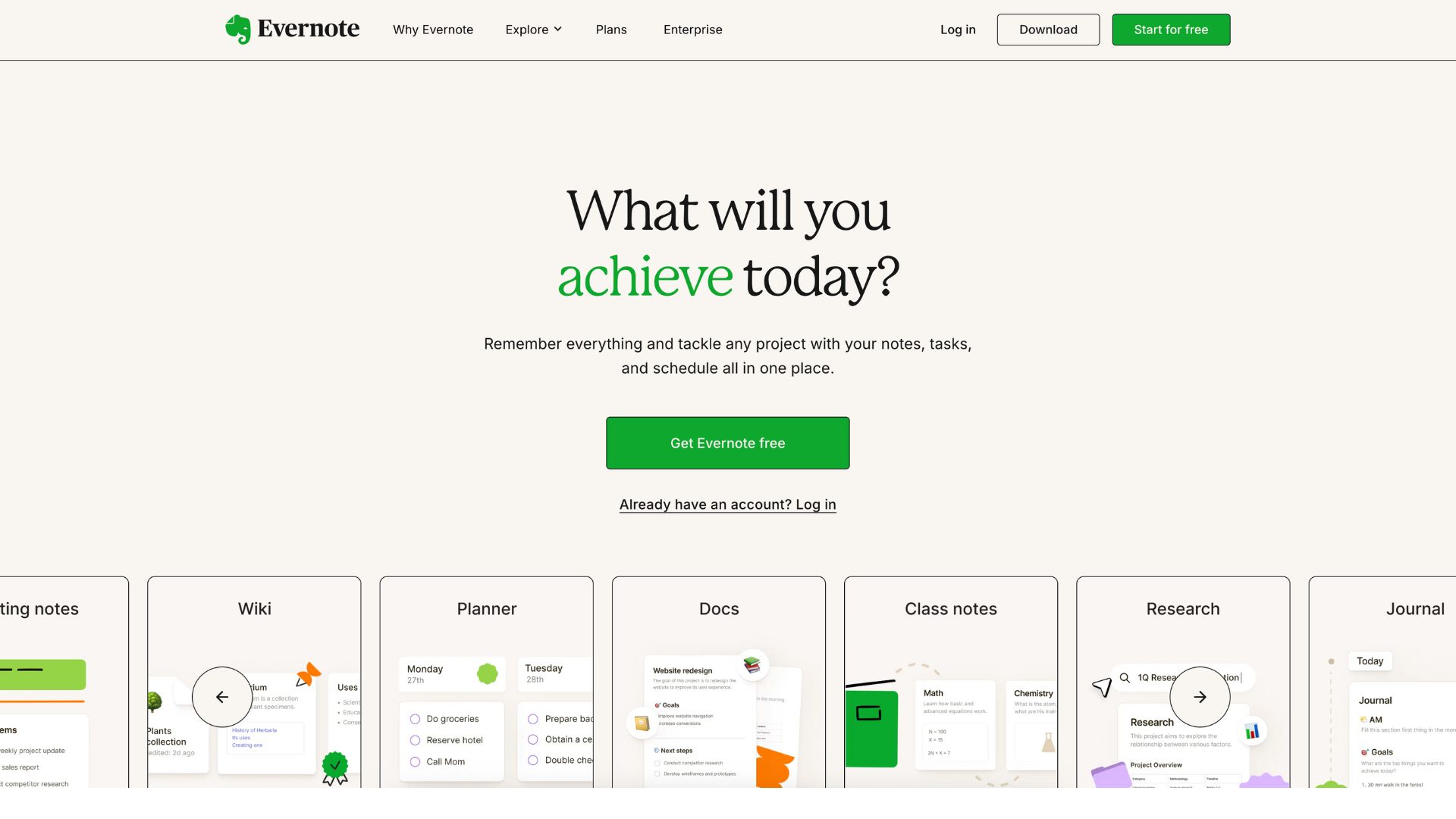
Evernote is a powerful note-taking and productivity software designed to help users capture ideas, organize information, manage tasks, and collaborate seamlessly. It functions as a digital workspace where users can create notes, attach files, clip web content, and integrate calendars, all in one streamlined platform.
The software addresses a familiar problem: information overload. Professionals, students, freelancers, and creatives often juggle dozens of notes, ideas, meeting summaries, and files across multiple apps and devices. Evernote centralizes all of that data, making it easier to find, manage, and act on.
Ideal for individuals and teams who value productivity and knowledge management, Evernote is especially useful for project planners, researchers, writers, entrepreneurs, and corporate teams that require cross-platform note organization with search-friendly structures and integrations.
Company Background
Evernote was founded in 2004 by Russian-American entrepreneur Stepan Pachikov and launched to the public in 2008. Its initial focus was on note digitization and mobile syncing—a novel concept at the time.
The platform quickly became a favorite among productivity enthusiasts, amassing millions of users. However, after hitting its peak in the early 2010s, Evernote experienced stagnation due to performance issues, a sluggish transition to new tech, and competitive pressure from newer tools.
In November 2022, Evernote was acquired by Bending Spoons, a European software company based in Milan, Italy. Under the leadership of CEO Francesco Patarnello, Evernote entered a revitalization phase, rolling out product improvements, AI-powered features, and streamlined subscription models in 2024 and 2025.
Website: https://evernote.com
Key Features
Evernote’s functionality is extensive and continues to expand under Bending Spoons’ stewardship. Here’s a breakdown of its core features:
Note Capture & Editing
- Create rich-text notes with bold, bullets, tables, checklists, and attachments
- Add voice recordings, PDFs, images, handwritten notes, and scanned documents
- Built-in web clipper to save articles, receipts, or research from your browser
Organization
- Notebooks and stacks allow thematic structuring
- Tagging system for quick filtering and organization
- OCR (optical character recognition) enables searching scanned documents and handwritten text
- Powerful internal search with filters like date, attachment type, and tag
Task Management & Calendar
- Embedded to-do lists and task items inside notes
- Reminders, due dates, and flags
- Integration with Google Calendar and Microsoft Outlook to connect events and notes
Syncing & Offline Access
- Syncs automatically across all signed-in devices
- Offline access for paid users, especially valuable for mobile note-taking or travel
- Changes update across platforms in near real-time
AI Features
- Smart suggestions based on context
- AI-powered note cleanup and rewriting tools
- Text-to-speech and speech-to-text options
- Intelligent search helps surface relevant notes more quickly
Sharing & Collaboration
- Share individual notes or entire notebooks
- Workspaces for team collaboration
- Notes can be edited by collaborators with permissions
- Email notes directly to your Evernote account
Integrations
- Google Drive, Slack, Teams, Outlook, Gmail, Salesforce, Zapier, and more
- Connect Evernote with automation tools like IFTTT
- Browser extensions, mobile widgets, and email forwarding
User Interface and Experience (UI/UX)
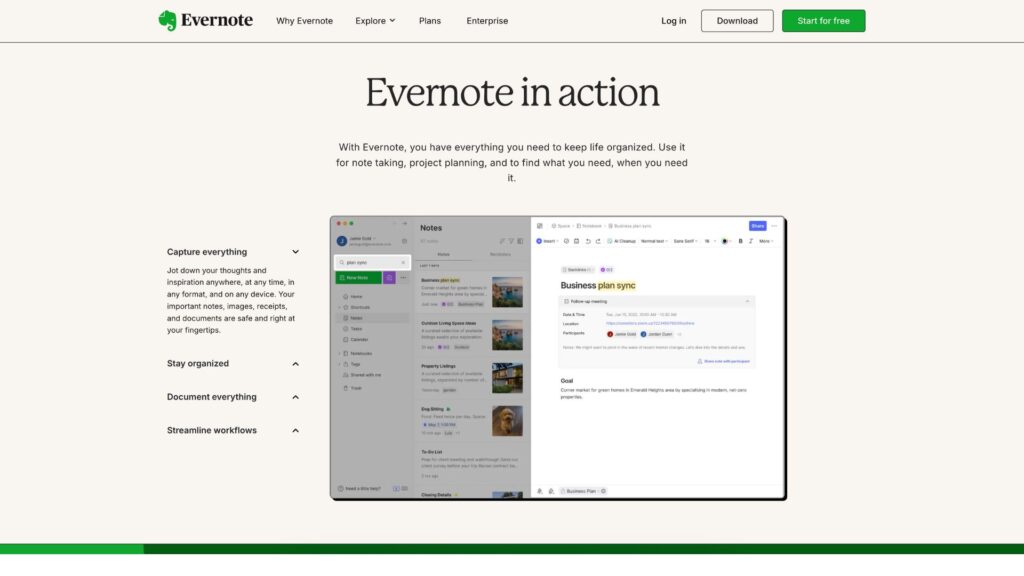
Evernote’s UI has evolved significantly. The main dashboard is clean, featuring a left-hand navigation menu, quick access to notes, notebooks, tasks, and shortcuts. The note editor is well-structured, similar to a lightweight word processor.
New users are guided through onboarding flows with sample notes and contextual tips. Navigation feels intuitive once you understand the notebook-tag paradigm.
The 2024 update significantly improved app speed and responsiveness, especially on mobile. Previously criticized for lag, the newer versions are lighter and more stable.
Mobile and Desktop Versions
- Available on Windows, macOS, iOS, and Android
- Web-based app supports full functionality
- Desktop and mobile versions support offline work for Personal/Professional plans
Accessibility
- Keyboard navigation, screen reader compatibility
- Voice note capture is available
- Responsive design adjusts for tablets and smartphones
Platforms Supported
| Platform | Availability | Notes |
|---|---|---|
| Web | Yes | Full-featured browser version |
| Windows | Yes | Standalone desktop app |
| macOS | Yes | Native support for Apple devices |
| Android | Yes | Sync-enabled mobile app |
| iOS | Yes | Full iPhone/iPad support |
| Linux | No native app | Web access and community-based clients |
Pricing
Evernote has moved to a tiered subscription model, with major updates to storage and device limitations introduced in 2023–2024.
| Plan | Price (Monthly) | Price (Yearly) | Key Features |
|---|---|---|---|
| Free | $0 | $0 | 50 notes, 1 notebook, 250 MB/month, 1 device only |
| Personal | $12.99 | $129.99 | 10 GB/month, unlimited devices, calendar + tasks |
| Professional | $17.99 | $169.99 | 20 GB/month, full AI tools, integrations |
| Teams | $24.99/user | Custom | Shared spaces, admin panel, 20+ GB per user |
Trial & Refunds:
- 14-day free trial on paid tiers
- No refunds for annual plans once charged
- Legacy Plus users were grandfathered, but plan no longer available for new signups
Pros and Cons
Pros
- Excellent organizational structure with notebooks, tags, and stacks
- AI-enhanced features like smart search and note cleanup
- Seamless syncing across multiple platforms and devices
- Rich media support (audio, images, PDFs, scans)
- Google Calendar and third-party integrations boost utility
Cons
- Free plan is too limited to be practical for most users
- Pricing is significantly higher than some competitors
- Older users report performance issues on Android
- Feature-rich environment may overwhelm minimalist users
- Not suitable for users who prefer markdown or offline-first tools
Customer Support and Resources
Evernote provides several support options:
- Email Support: Available for paying users with priority response times
- Help Center: Extensive collection of guides, FAQs, and setup articles
- Community Forum: Peer support with moderators
- YouTube Channel: Tutorial videos, feature walk-throughs
- In-App Tips: Contextual onboarding and update prompts
Live chat or phone support is not currently available, which may frustrate enterprise users expecting faster help desk turnaround.
Real-World Use Cases / Ideal Users
Students & Academics
Perfect for organizing lecture notes, attaching PDFs, scanning textbook pages, and syncing between phone and laptop.
Freelancers & Solo Professionals
Capture client meeting notes, embed task lists, and store receipts or contracts all in one place.
Corporate Teams
Shared notebooks for project documentation, onboarding materials, meeting notes, and synced calendars.
Writers & Content Creators
Brainstorm article ideas, clip web references, and manage editorial schedules within a single interface.
User Reviews and Ratings
- G2: 4.4/5
Users praise Evernote’s powerful search and tagging system but criticize high subscription costs and limited free plan. - Capterra: 4.5/5
Noted for ease of use and cross-platform syncing. - Trustpilot: 2.1/5
Older reviews reflect frustration with price hikes and mobile performance issues. - Reddit Feedback:
Positive mentions for its AI tools and ability to handle large note collections. Some users switched to alternatives due to pricing.
Best Alternatives
| Software | Best For | Key Difference |
|---|---|---|
| Microsoft OneNote | Office users, free plan seekers | Fully free with Microsoft integration |
| Notion | Workspace builders, structured teams | Combines notes, databases, and tasks |
| Obsidian | Markdown lovers, privacy-first users | Offline, local storage, graph-based UI |
| Bear | Apple ecosystem, writers | Elegant, markdown-based, iOS/macOS only |
| Joplin | Open-source and self-hosters | Free, open-source with encryption |
Summary
Evernote remains one of the most comprehensive note-taking platforms available today. Its breadth of features—from AI-enhanced note search and task tracking to calendar integrations and media capture—makes it ideal for those who need more than a basic notes app.
However, its premium pricing and limited free plan may be deterrents, especially when compared to free or cheaper alternatives. Still, for users who demand high-end organization, seamless syncing, and powerful search across content, Evernote delivers.
If you’re looking for an intelligent, flexible, and all-in-one productivity tool, it’s worth trying Evernote’s free trial to explore how it fits into your workflow.
For more productivity software reviews, comparisons, and expert tips, visit usefully.site.
Media
Evernote Tutorial 2025: How To Use Evernote For Beginners (Step-By-Step)
Evernote Beginner Tutorial | How to Use Evernote (2025)
How to Use Evernote in 2025 – Complete Evernote Tutorial for Beginners (Step by Step)