Zoho CRM Review: Features, Pricing, Pros & Cons
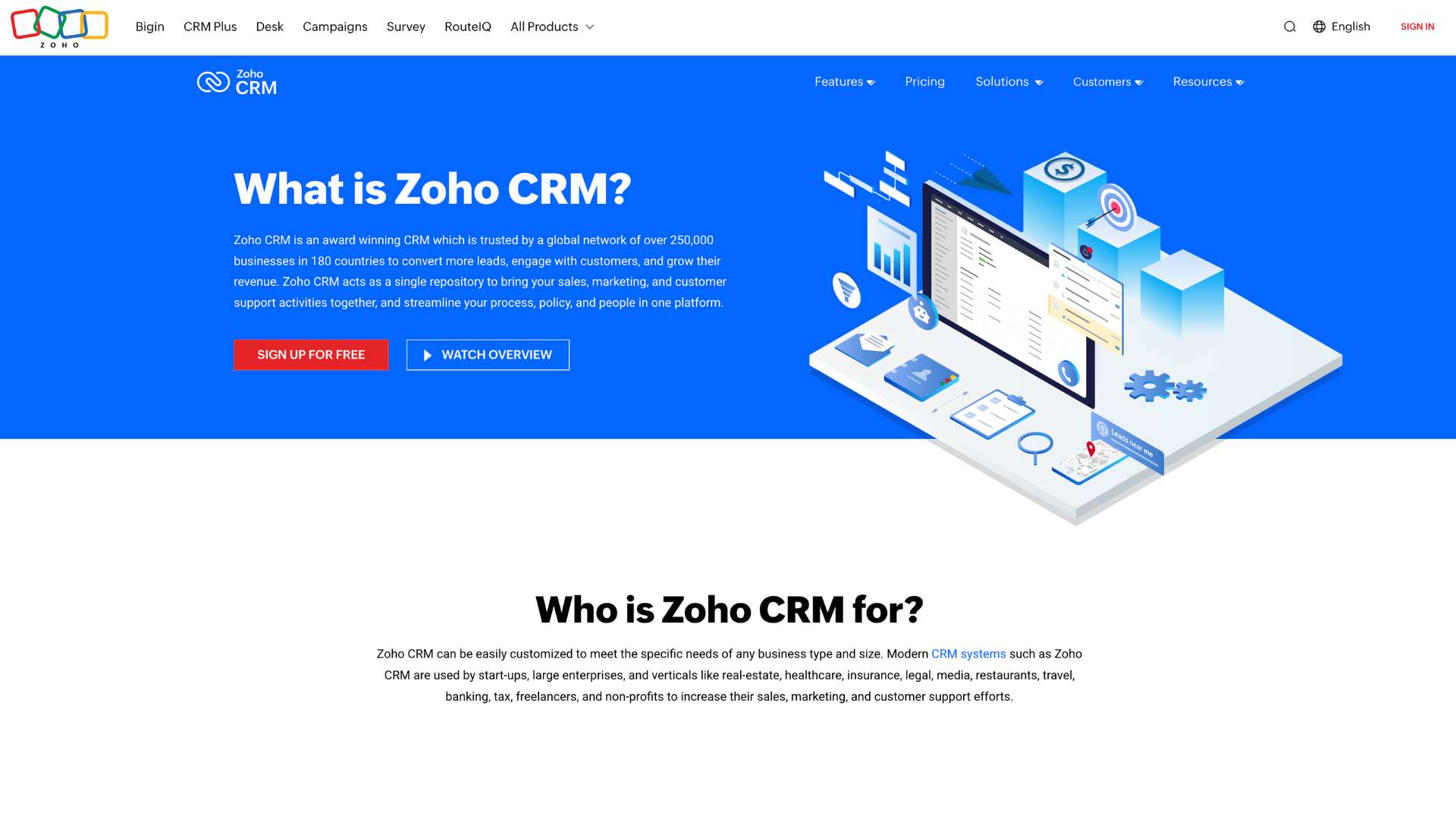
Zoho CRM is a powerful and flexible customer relationship management platform designed to help businesses of all sizes attract, retain, and delight customers. It serves as a centralized hub for sales, marketing, customer service, and analytics—offering end-to-end pipeline management, AI-powered forecasting, and real-time omnichannel communication.
In a world where leads fall through the cracks, manual follow-ups drain time, and data silos stall collaboration, Zoho CRM promises a streamlined solution. With automation at its core and customization in its DNA, it helps teams stay on top of their pipeline, boost productivity, and make data-driven decisions.
This CRM solution is ideal for startups, growing SMEs, digital marketing teams, and enterprise-level sales organizations that require flexibility, scalability, and strong integration options without the hefty price tag of competitors like Salesforce or Microsoft Dynamics.
Company Background
Zoho CRM is a flagship product of Zoho Corporation, a privately held company founded in 1996 by Sridhar Vembu. Originally launched as AdventNet Inc., the company pivoted to SaaS with a deep focus on productivity and business software in the early 2000s. In 2009, it rebranded as Zoho and introduced Zoho CRM to an increasingly cloud-focused market.
Headquartered in Chennai, India, with a significant presence in Pleasanton, California, Zoho has over 100 million users worldwide across its suite of 55+ business apps. Zoho is known for bootstrapping its growth without external funding, and for building its own data centers, development teams, and support infrastructure, prioritizing user privacy and long-term product development over short-term profits.
Website: https://www.zoho.com/crm/
Key Features
Zoho CRM is packed with capabilities that serve sales, marketing, support, and operations. Here’s a breakdown of its most impactful features:
Sales Automation
- Workflow Rules: Automate lead assignments, follow-up emails, and task creation.
- Lead Scoring: Prioritize hot leads based on engagement, demographics, and AI predictions.
- SalesSignals: Real-time notifications when a lead opens an email, visits your site, or interacts.
Omnichannel Communication
- Email, Phone, Social, Chat, SMS: Communicate from one unified platform.
- Customer Timeline: Access a detailed history of all interactions in one place.
AI-Powered Assistance (Zia)
- Sales Forecasting: AI-predicted revenue, deal closures, and anomalies.
- Conversational Assistant: Ask Zia for reports or updates via chat.
- Smart Suggestions: Timing for emails, next best action, or missed opportunities.
Customization
- Modules & Layouts: Create custom modules or rename existing ones.
- Canvas View: Design your own CRM UI with drag-and-drop interface.
- Sandbox: Test updates and automations in a risk-free environment.
Marketing Automation
- Campaign Management: Create, track, and analyze email marketing campaigns.
- Web Forms: Capture and sync leads from websites or landing pages.
- Marketing Attribution: Analyze touchpoints from first click to closed deal.
Analytics & Dashboards
- Advanced Reporting: Build custom reports with charts, KPIs, and filters.
- Anomaly Detection: Alerts for unexpected spikes or drops in performance.
- Scheduled Reports: Automatically send insights to stakeholders via email.
Team Collaboration
- Feeds & Mentions: Stay updated on deals and tag team members.
- Notes & Tasks: Log calls, set reminders, assign follow-ups.
Integrations & Extensibility
- Built-in Integrations: Google Workspace, Microsoft 365, Slack, Mailchimp, Zoom.
- Zoho Marketplace: Hundreds of third-party apps for every business need.
- APIs & Webhooks: Easily integrate with custom software stacks.
Security & Compliance
- Data Encryption: Secure storage of sensitive customer data.
- Role-Based Access: Control visibility and permissions at granular levels.
- GDPR, HIPAA Compliance: Tools to manage consent and user data rights.
User Interface & Experience (UI/UX)
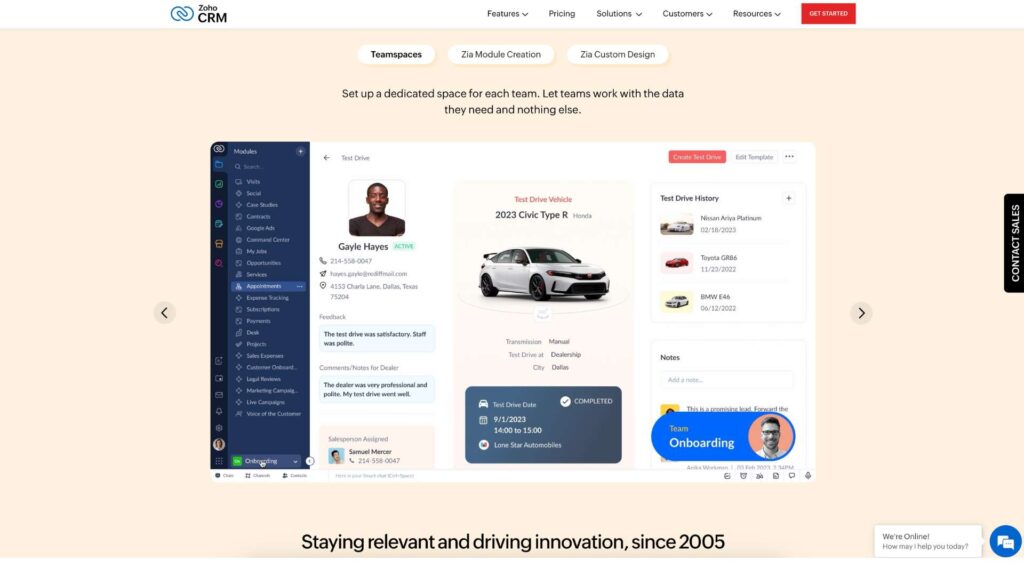
Zoho CRM offers a clean, modern interface that can be extensively customized to suit user roles and workflows. Dashboards are modular, and the new Canvas design tool allows admins to visually redesign module layouts.
- Ease of Use: Basic navigation and CRM functions are easy to grasp. Advanced automation and reporting may require a learning curve.
- Onboarding: Users are guided with setup wizards, in-app walkthroughs, video tutorials, and the Zoho CRM Academy.
- Mobile Experience: The iOS and Android apps support offline access, lead management, calls, and nearby lead mapping.
- Accessibility: Includes support for multi-languages and adaptable UI elements for accessibility needs.
Platforms Supported
| Platform | Supported | Notes |
|---|---|---|
| Web Browser | ✅ | Fully cloud-based, accessible via all major browsers |
| Windows/macOS | ❌ | No standalone desktop app |
| Android/iOS | ✅ | Full-featured mobile app with offline mode |
| Offline Access | ✅ | Mobile app offers limited offline functionality |
Pricing
Zoho CRM offers flexible pricing across different tiers for businesses at various stages of growth:
| Plan Name | Price/User/Month | Ideal For |
|---|---|---|
| Free Edition | $0 | Up to 3 users; startups with basic needs |
| Standard | $14 | Small teams needing automation |
| Professional | $23 | Growing teams with inventory needs |
| Enterprise | $40 | Larger orgs needing AI, custom modules |
| Ultimate | $52 | Enterprises needing advanced analytics |
| Free Trial | 15 days | Access all features during the trial |
Prices based on annual billing. Monthly billing available at slightly higher rates.
Pros and Cons
Pros:
- Deeply customizable to fit unique sales workflows
- Strong AI features for forecasting and task prioritization
- Rich ecosystem with 800+ third-party app integrations
Cons:
- Advanced features may be overwhelming for beginners
- UI can feel cluttered without personalization
- Customer support wait times can be inconsistent on lower tiers
Customer Support & Resources
Zoho offers multiple layers of support and a comprehensive knowledge base:
- Live Support: Available via chat, phone, or email (24/5 standard, 24/7 for premium)
- Help Center: Includes articles, walkthroughs, troubleshooting guides
- Zoho CRM Academy: Free certification courses for users and administrators
- Developer Resources: API documentation, SDKs, and developer community
- Community Forums: Active discussion boards for peer support and feedback
Real-World Use Cases / Ideal Users
- Small Businesses & Startups
Use the free or Standard plan to organize customer data, track interactions, and automate lead follow-ups without needing a full IT team. - Sales Teams in Mid-Size Enterprises
Empower regional and national sales teams with lead scoring, mobile CRM, and role-based visibility to streamline collaboration. - Marketing Teams
Run campaigns, track attribution, and sync leads across web forms, email, and social—all from one CRM.
Examples:
Netflix, Suzuki, Amazon India, and Ducati have used Zoho CRM to manage client interactions and scale their customer-facing operations globally.
User Reviews & Ratings
Zoho CRM consistently scores high across major review platforms, particularly in customization and value:
| Platform | Rating | Common Praise | Common Criticism |
|---|---|---|---|
| G2 | 4.0/5 | Automation, integrations | UI learning curve |
| Capterra | 4.3/5 | Value for money, feature set | Initial setup complexity |
| Trustpilot | 3.8/5 | Email templates, multichannel support | Support delays in free/low-tier plans |
User Feedback:
“The customization options are fantastic. We’ve made Zoho CRM feel like a custom-built platform for our team.” — Brian M., Sales Ops Manager
Best Alternatives
| Alternative | Best For | How It Compares |
|---|---|---|
| HubSpot CRM | Marketing-heavy businesses | Easier UX, but premium tiers cost more |
| Salesforce | Large, complex organizations | More robust but harder to set up |
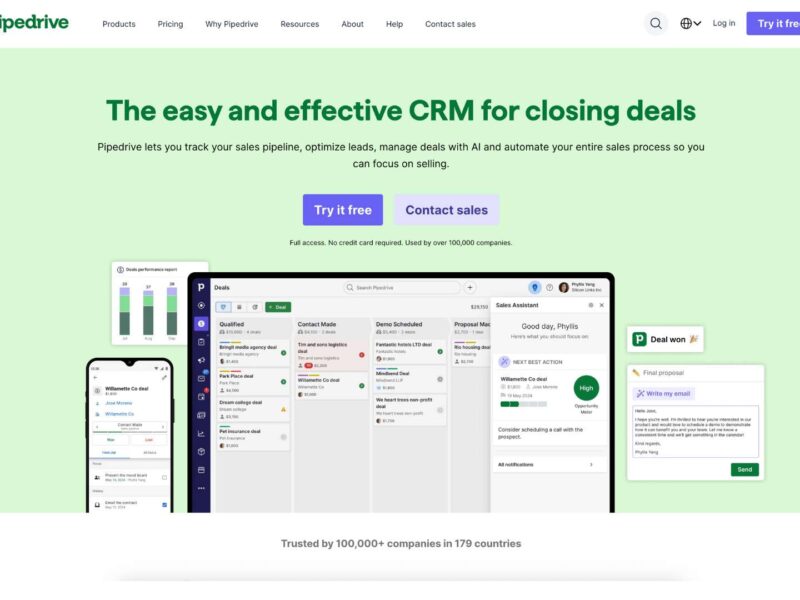
| Pipedrive | Visual pipeline-centric workflows | Simpler but less customizable |
| Freshsales | Calling and email built-in | Better native phone features |
| Monday Sales CRM | Project-focused CRM teams | Sleek UI, fewer advanced CRM tools |
Summary
Zoho CRM stands out as a versatile, cost-effective, and scalable CRM platform. Its strength lies in its deep customization options, powerful automation, and accessible pricing tiers—making it a top choice for businesses seeking an all-in-one customer relationship solution without breaking the bank.
The learning curve and occasional support issues may affect new users, but with its extensive documentation, mobile support, and AI-powered features, Zoho CRM delivers tremendous value. For small businesses, fast-scaling startups, and even large enterprises that want total control over their CRM environment, Zoho CRM is a solid contender.
Interested in giving it a try? Visit Zoho CRM’s official site to start your 15-day free trial or compare it to other CRMs on usefully.site.
Media
Zoho CRM Tutorial For Beginners 2025 | Get Started with Zoho FREE ALL-IN-ONE CRM Software
Zoho CRM Tutorial 2025: How To Use Zoho CRM (FREE All-In-One CRM Software)
How to Use Zoho One 2025 | Step-By-Step Tutorial