Cody Review (2025): Features, Pricing, Pros & Cons
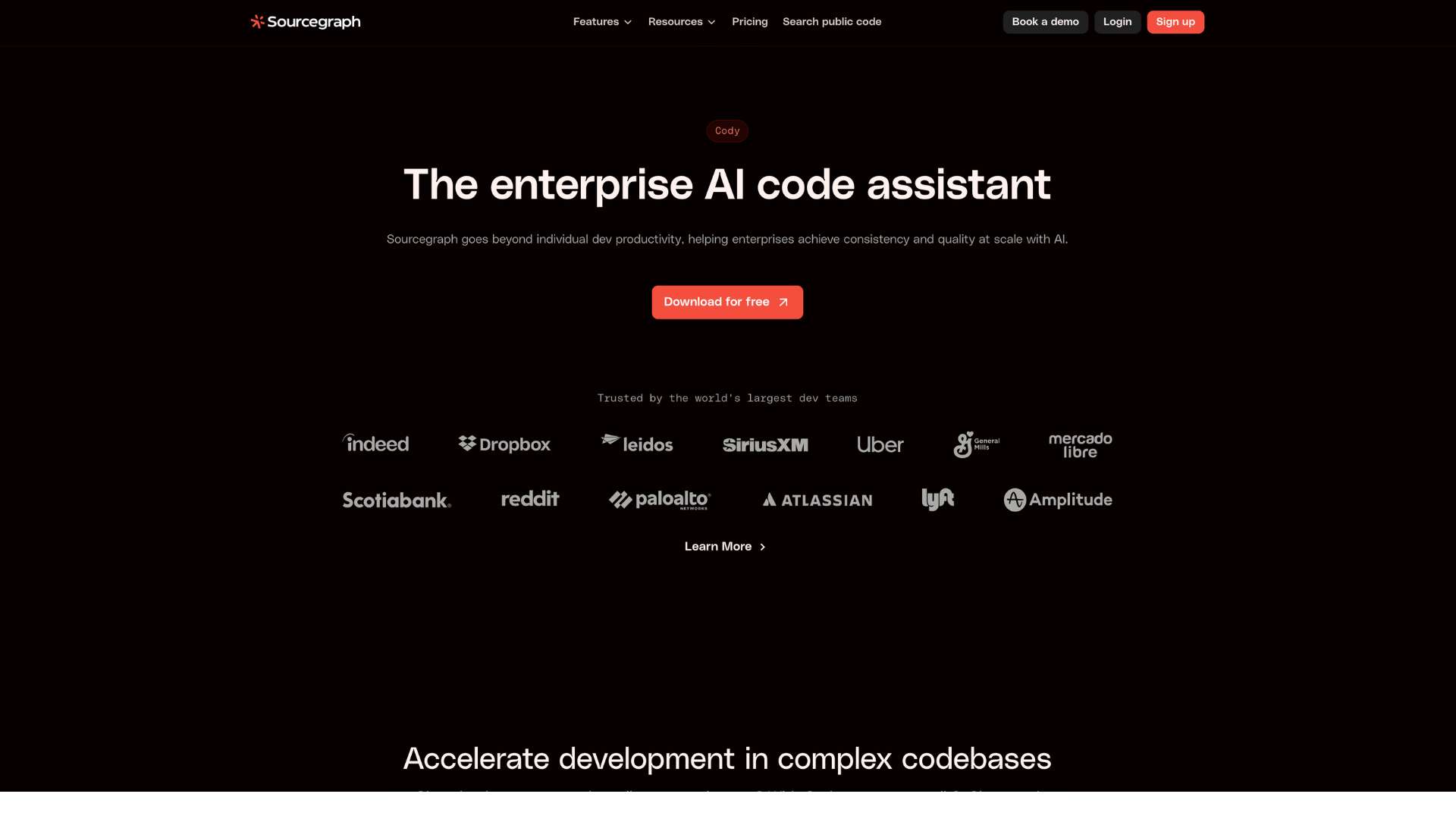
Cody is Sourcegraph’s AI-powered coding assistant designed to help developers understand, navigate, and write code faster. Unlike generic AI tools, Cody is deeply integrated with your entire codebase, enabling context-aware code completions, bug fixes, code explanation, and even pull request generation.
Built for professional developers, it supports private code, multi-repository projects, and engineering teams of any size.
In 2025, Cody stands out in the competitive AI developer tools landscape for its ability to operate across massive codebases using Sourcegraph’s code intelligence platform. Whether you’re a solo engineer or part of a large enterprise, Cody offers the kind of precise, customizable assistance developers need to stay productive.
Company Background
- Product: Cody by Sourcegraph
- Parent Company: Sourcegraph Inc.
- Founded: 2013
- Headquarters: San Francisco, California, USA
- Website: https://sourcegraph.com/cody
Sourcegraph is a code intelligence company focused on helping developers understand and manage large-scale codebases. Cody builds on Sourcegraph’s infrastructure to bring AI directly into the developer workflow.
Key Features
Code-Aware AI Assistance
| Feature | Description | Benefit |
|---|---|---|
| Code Completions | Predicts and writes code based on surrounding context | Speeds up development, especially in repetitive tasks |
| Code Explanation | Summarizes logic, functions, or files in natural language | Saves time during onboarding or bug-fixing |
| Code Search + AI | Combines Sourcegraph’s code search with LLMs for smarter results | Helps locate relevant functions or patterns across repos |
| Refactoring Help | Recommends improvements, extracts methods, and simplifies logic | Supports cleaner, more maintainable code |
Contextual Awareness
| Feature | Description | Benefit |
|---|---|---|
| Repository Indexing | Cody indexes your entire codebase across multiple repositories | Enables better predictions and accurate answers |
| Private Code Support | Works securely with your proprietary/internal code | Safe for enterprise and sensitive projects |
| LLM Context Injections | Uses real-time code snippets and file context as prompt input | Improves accuracy over generic chatbots |
| Cross-Language Support | Understands and navigates multi-language projects | Ideal for polyglot environments |
Developer Integration
| Feature | Description | Benefit |
|---|---|---|
| VS Code Extension | Lightweight plugin for Visual Studio Code | Use Cody directly in your existing editor |
| JetBrains Support | Currently in beta for IntelliJ and other JetBrains IDEs | Expanding IDE compatibility |
| Chat Interface | Chat with Cody in a panel to ask questions or generate code | Natural interaction while coding |
| Pull Request Generator | Create draft PRs with titles, descriptions, and diffs | Saves time writing and explaining PRs |
User Interface and Experience (UI/UX)
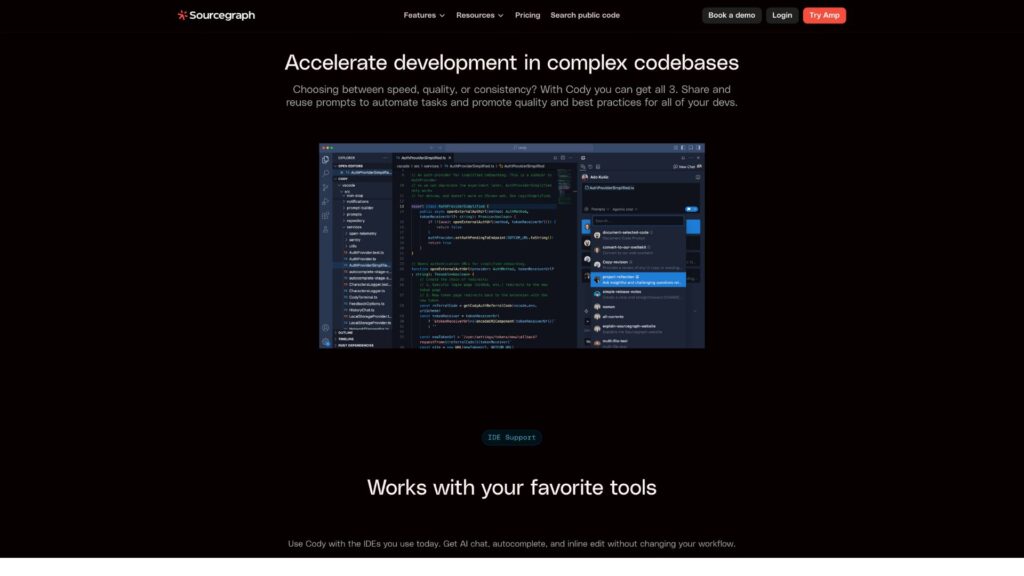
Cody integrates seamlessly into developers’ existing tools—primarily within VS Code via a sidebar panel or inline suggestions. The UI is clean, developer-focused, and distraction-free. The chat assistant is context-aware, and commands are executed inline without the need to leave the editor.
Onboarding is straightforward: install the extension, authenticate with Sourcegraph, and start using Cody. Minimal configuration is needed to begin working on both public and private codebases.
Platforms Supported
| Platform | Availability |
|---|---|
| Visual Studio Code | Yes |
| JetBrains IDEs | Beta |
| Web Editor | No |
| macOS, Windows | Yes |
| Cloud Integration | Yes (via Sourcegraph) |
Cody runs locally within your IDE but uses cloud-powered AI models. Offline access is limited to cached context and responses.
Pricing
Cody offers both free and paid plans depending on user needs and team size.
| Plan | Price | Features Included |
|---|---|---|
| Free | $0/month | Limited code completions, public repo support, chat, and onboarding |
| Pro | $9/month | Private code support, longer context window, enhanced completions |
| Enterprise | Custom pricing | Full integration with Sourcegraph instance, SSO, analytics, priority support |
- Free trial available for Pro and Enterprise plans
- Volume discounts for teams available upon request
Pros and Cons
Pros
- Deeply integrated with your real codebase and repositories
- High accuracy and contextual relevance
- Powerful support for private and large-scale codebases
- Easy to use inside developer IDEs
Cons
- Limited offline capabilities
- JetBrains IDE support still in beta
- Enterprise features locked behind custom pricing
Customer Support and Resources
- Support Channels: Email, ticketing system, and GitHub discussions
- Help Center: Detailed guides and CLI/API documentation at Sourcegraph Docs
- Training: Free webinars and onboarding calls for teams
- Community: GitHub, Discord, and Sourcegraph forums for open Q&A
Real-World Use Cases / Ideal Users
Engineering Teams
Use Cody to onboard new hires faster, navigate legacy codebases, and reduce debugging time.
Solo Developers / Indie Hackers
Build apps faster using AI-powered completions and explanations.
DevOps / SREs
Search and understand complex configurations, deployment scripts, and system behavior.
Code Reviewers
Use Cody’s PR assistant to generate summaries and streamline the review process.
User Reviews and Ratings
| Platform | Rating | Highlights |
|---|---|---|
| GitHub Issues | 4.7/5 | Developers love the speed, accuracy, and integrations |
| G2 | 4.5/5 | High satisfaction among teams using Sourcegraph tools |
| Hacker News | Positive | Praised for actual usability vs. hype of other tools |
User Quote:
“Cody is the first AI dev tool that actually understands our monorepo. It’s like pair programming with context.” — Chris L., Senior Engineer
Best Alternatives
| Tool | Best For | How It Compares |
|---|---|---|
| GitHub Copilot | General-purpose AI coding | More polished UX, but less context from your repos |
| Tabnine | Local-first suggestions | Faster offline, weaker on large project navigation |
| Amazon CodeWhisperer | AWS developers | Great AWS integration, less general code support |
| Sourcegraph (Core) | Code search and understanding | Cody builds on top of Sourcegraph for AI capabilities |
Final Verdict / Summary
Cody by Sourcegraph offers one of the most contextually aware AI coding assistants available in 2025. Instead of guessing, Cody reads, understands, and navigates your actual codebase, making it a practical tool—not a novelty—for real-world engineering tasks.
While it may lack some polish or multi-IDE coverage compared to competitors, Cody’s deep integration with Sourcegraph makes it uniquely suited to enterprise teams, monorepos, and complex environments.
Want to code faster and smarter? Try Cody for free at https://sourcegraph.com/cody. Unlock the power of AI that actually understands your code.